


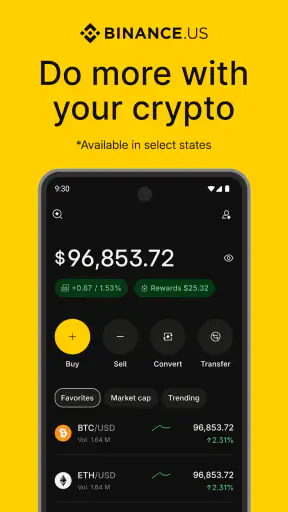
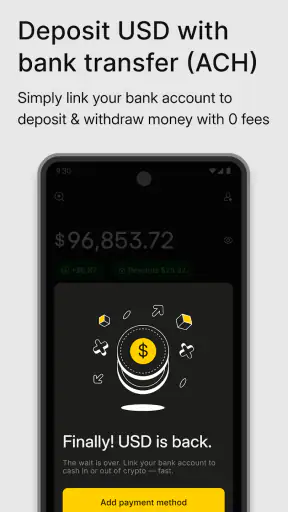
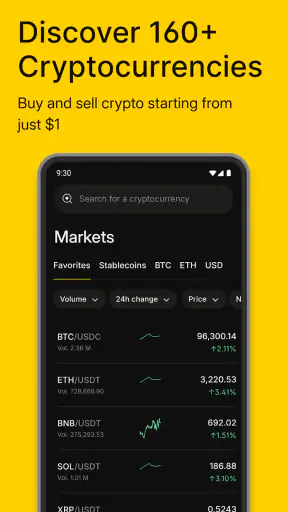
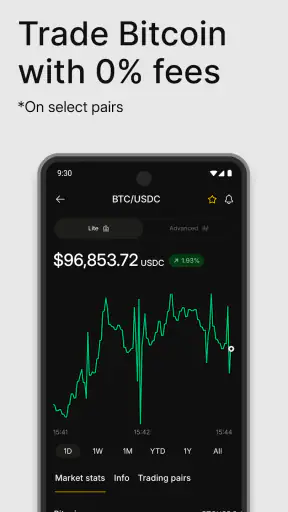
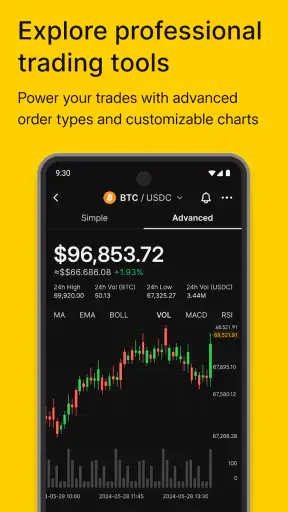
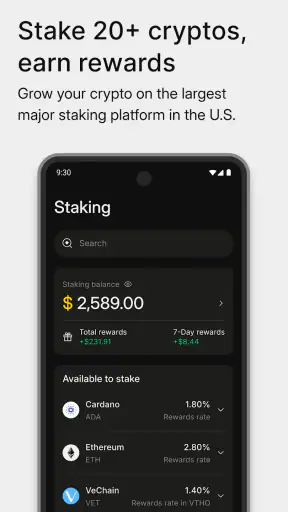
I approached Binance.US: Buy BTC & Crypto as a finance app rather than as a simple price-watching tool. Its purpose is to put crypto buying and trading in one mobile workspace, with access to assets such as Bitcoin, Ethereum, XRP, and others. That sounds straightforward, but a finance app deserves a more careful review than a casual utility because the important questions are not only about convenience. I also want to know how clearly it presents account actions, how much control I have before confirming a transaction, and whether the app encourages calm decisions instead of rushed ones.
The app is developed by Binance.US and is available free of charge for everyone. It has passed one million installs, with an average rating of 3.3 from roughly twelve thousand ratings and about 6.9 thousand written reviews. Those figures suggest a broad user base, but also a mixed experience. My own conclusion is similarly balanced: this can be useful for someone who wants a direct mobile route into crypto, yet it is not the kind of app I would recommend using casually or without checking every screen before committing money.
How Binance.US feels when trust matters
The first thing I noticed is that the app’s value depends heavily on the quality of its account experience. Buying crypto is not like installing a wallpaper app or checking a weather forecast. You are dealing with identity, funding, transaction details, and assets whose value can change quickly. That makes visible choices and understandable confirmations more important than a flashy interface.
Binance.US is best viewed as a mobile exchange account rather than a personal finance dashboard. If I wanted a place to track household spending, organize bills, or build a conventional savings plan, this would be the wrong category entirely. Its focus is crypto trading, so the workflow naturally revolves around selecting an asset, reviewing an order, and deciding whether to proceed.
I appreciate that this focused design can reduce distractions. A person who already knows why they want to buy Bitcoin or another supported asset does not have to move between several unrelated tools. At the same time, the focused nature of the app can make it easy to think of a purchase as just another tap. I would personally pause before every order, especially when using a market action rather than setting a specific target.
The developer name is visible as Binance.US, which helps distinguish this product from similarly named international services and unrelated crypto applications. That distinction matters when searching an app store, because the wrong regional product may not match your access or account expectations. I would check the developer name and the app’s current store page before installing, particularly if I were following an old recommendation from a friend.
The current version is 3.45.0, and the app supports Android starting with version 7.0. That makes it accessible to many older devices, although I would still keep the operating system and the app updated on a phone used for financial activity. Compatibility alone is not a reason to use an old phone indefinitely; a device with current security updates is a more sensible setting for any exchange account.
The account setup deserves patience
A new user should expect the beginning of the experience to feel more serious than the store summary suggests. A crypto exchange needs enough account information to let a person buy and manage assets, so I would not rush through registration simply to reach the trading screen. I would read each request, use an email address I can reliably access, and make sure the account details are accurate before continuing.
This is also the point where I would decide whether the app fits my comfort level with digital finance. If I dislike completing identity-related steps inside a mobile app, or if I want to keep crypto activity completely separate from my phone, a desktop-focused service may suit me better. Binance.US is convenient precisely because it brings these actions to the phone, but that convenience also makes the device and account important parts of the security chain.
I would avoid setting up an account while distracted, traveling, or connected to an unfamiliar network. That is not a criticism unique to this app; it is simply a sensible boundary for financial accounts. The smaller screen can encourage quick acceptance, and a user may overlook a fee, funding source, or order type if they tap through too quickly.
What I would check before placing an order
My preferred workflow is deliberately repetitive. I first choose the asset, then check whether I am buying or selling, review the amount, inspect the funding source, and read the final confirmation. I would also look at the quoted value immediately before submitting, because crypto prices can move while an order is being prepared. The goal is not to predict the market; it is to make sure the transaction I confirm is actually the one I intended.
This habit is especially useful for people moving from ordinary shopping apps into crypto. A shopping checkout usually gives a clear total, while a crypto order can involve a changing market value and a different relationship between the amount of money entered and the amount of an asset received. I would treat the confirmation screen as a decision point, not as a formality.
One practical tip is to start with an amount small enough that a mistake would be manageable. That lets a new user learn the app’s sequence without turning the first session into a major financial event. It also reveals whether the person understands the difference between holding an asset, selling it, and moving it elsewhere. I would not use a first transaction to test an unfamiliar workflow with money I cannot afford to lose.
Controls are more valuable than speed
The most important controls in a crypto app are the ones that help me stop and review. I look for clear distinctions between buying and selling, readable order details, and an obvious final action. When those elements are easy to identify, the app feels more manageable. When they are compressed into a fast trading flow, I become more cautious.
I would also keep notifications selective. Price alerts can be useful when they support a plan, but constant movement notifications can pull a user into emotional decisions. If I were using Binance.US regularly, I would prefer alerts that help me remember a deliberate review rather than alerts that tempt me to react to every market change.
Another useful control is separating a learning routine from a trading routine. I might open the app simply to inspect an asset or understand my balance, then close it without placing an order. That small boundary prevents every visit from becoming a transaction. It is a better fit for a long-term approach than repeatedly opening the app because a price moved.
For a household budget, I would keep crypto money in a clearly defined category rather than mixing it with rent, groceries, or emergency savings. Binance.US can be part of that plan, but it cannot create the plan for me. The app provides the exchange workflow; I remain responsible for deciding how much exposure is appropriate.
Where personal data and money meet
Finance apps create data-sensitive moments at several points: account creation, identity checks, funding, withdrawals, and support conversations. I would pay close attention during each of these steps and read the permission prompts or notices shown in the app instead of accepting them automatically. The important question is not whether an app is convenient, but whether I understand what I am agreeing to at the moment information or money is involved.
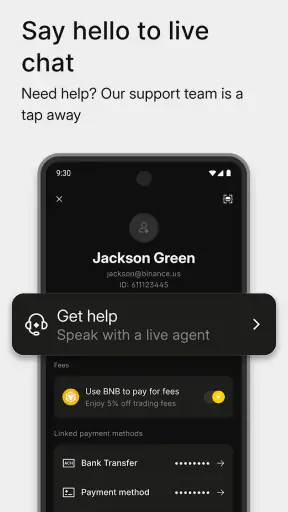
I would also avoid discussing account details through informal channels. If a message claims to be support and asks for a password, one-time code, or recovery information, I would stop rather than respond. The safest habit is to begin support from inside the official app or the recognized Binance.US account route, not from a link sent by an unknown person.
This is where the app’s trust profile becomes personal. Some users are comfortable managing verification and trading from a phone. Others prefer a service with a more familiar bank-style interface or want to keep every investment activity on a computer. Neither preference is wrong. The right choice depends on how confidently the user can review information and protect access.
I would be particularly careful on a shared phone. A free finance app may be easy to install, but the account itself should not be treated as a shared household utility. I would use the phone’s own lock, avoid saving sensitive details in notes or screenshots, and sign out or secure the device when lending it to someone else. These are user-side controls, yet they strongly affect the real-world safety of the experience.
Everyday use: a realistic small purchase
Imagine I decide to allocate a modest amount from my monthly discretionary budget to Bitcoin. I would open the app at a quiet moment, check that I am in the correct account, review the available balance, select Bitcoin, and enter the amount I had already planned. Before confirming, I would check the order details and make sure I am not accidentally using funds reserved for a bill.
After the purchase, I would record the date, amount, and purpose in my own budget notes. I would not rely on memory, especially if I later make several transactions. That record helps me understand my total contribution and prevents the app from becoming the only place where I know what I own. It also makes tax and personal finance organization less chaotic, even though the exchange itself is not a replacement for professional advice.
If the market dropped shortly afterward, I would return to the original plan rather than immediately buying more. The app makes access convenient, but convenience can magnify impulsive behavior. My practical rule would be simple: decide the budget outside the trading screen, then use the app only to carry out that decision.
Who will appreciate it, and who should skip it
Binance.US is a reasonable match for an adult who wants a mobile crypto exchange, already understands that digital assets are volatile, and is willing to review account and order details carefully. It may also suit someone who values having buying and trading actions in one dedicated app instead of using a general investing platform that treats crypto as a small side feature.
I would not recommend it as a first step for someone who expects crypto to behave like a savings account. The app can make purchasing easy, but it cannot remove market risk or turn a speculative asset into guaranteed income. A beginner who has not built an emergency fund or who is using borrowed money should solve those financial priorities first.
I would also suggest comparing alternatives if the main goal is broad investment management. A conventional brokerage may be better for someone who wants stocks, funds, retirement accounts, and crypto in one familiar portfolio view. A dedicated wallet may be more appropriate for a user whose priority is controlling private keys rather than trading through an exchange. Those choices involve different responsibilities, so the “better” option depends on the job the user actually needs done.
Another trade-off concerns frequency. If I only plan to make one occasional purchase and hold it, I would compare the overall workflow and costs with other services before opening an account. If I expect to trade actively, I would spend more time studying order behavior, account safeguards, and the exact costs shown during my own transactions. A low-fee impression is not enough by itself; the final amount and the user’s habits matter more.
My cautious verdict after using the workflow
My view of Binance.US is neither an automatic endorsement nor a dismissal. It is a focused finance app that can make crypto access practical for users who know what they want and are prepared to manage the responsibility that comes with it. The free download and broad device support lower the barrier to trying it, while the mixed 3.3 average rating reminds me that convenience does not guarantee a smooth experience for everyone.
The strongest reason to consider it is concentration: crypto buying and trading are brought together in a mobile environment developed by Binance.US. The strongest reason to slow down is the same concentration. When account information, funding, market decisions, and asset management all sit behind one phone icon, every confirmation and security choice deserves attention.
I would use it with a written budget, a protected device, deliberate notifications, and a habit of checking every order before submission. I would also keep independent records and avoid treating short-term price movement as a command to act. Those steps do not make crypto safe or predictable, but they make my decisions more intentional.
For a careful user who wants a dedicated route into crypto, this app is worth investigating. For someone seeking ordinary banking, hands-off investing, or guaranteed stability, I would choose a different type of service. My final recommendation is therefore conditional but positive: use Binance.US only when you are comfortable with both the exchange workflow and the responsibility of making informed decisions.


